Managing Invitations to Join Trusted Circles
When you receive an email with the invitation to join a Trusted Circle, you must either accept or decline it in ThreatStream. If you do not have a ThreatStream account, you must first register with ThreatStream.
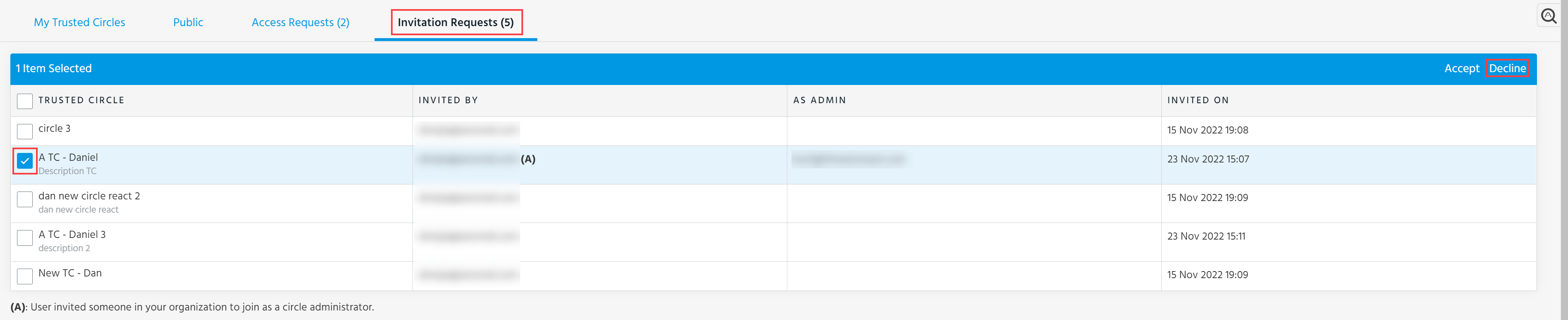
To accept the invitation to join the Trusted Circle:
-
Navigate to ThreatStream > Manage > Trusted Circles.
-
Click the Invitation Requests tab.
-
Select the invitation you want to accept.
-
Click Accept.
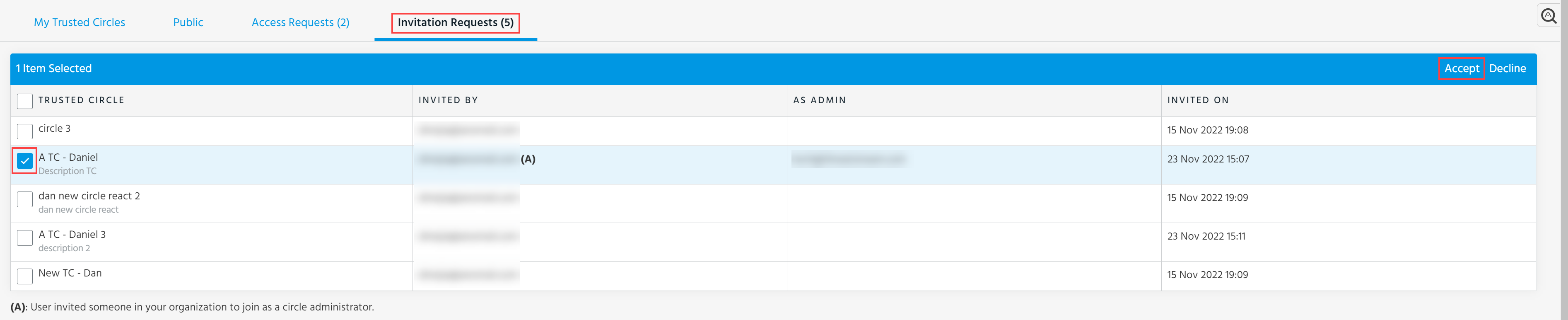
To decline the invitation to join the Trusted Circle:
-
Navigate to ThreatStream > Manage > Trusted Circles.
-
Click the Invitation Requests tab.
-
Select the invitation you want to decline.
-
Click Decline.